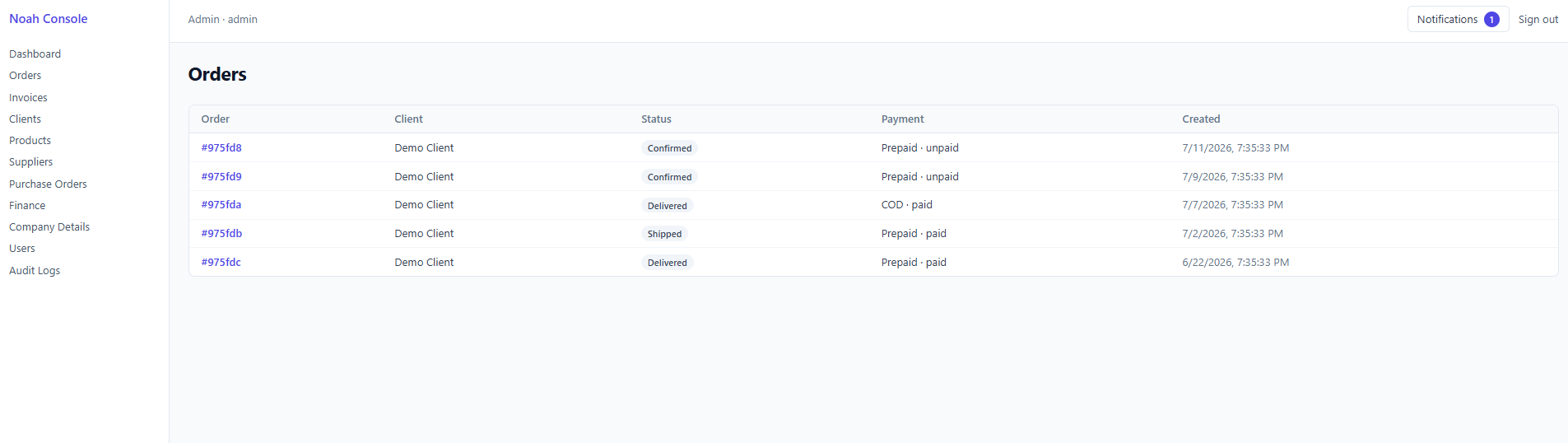
Add Product
Rich product catalog management
Admins can create detailed product listings with SKU, category, pricing, stock, tax rate, dimensions, weight and barcode. Support for virtual/digital products, multiple image URLs, and direct supplier & cost-price linking makes catalog onboarding fast and complete.
Notifications Center
Stay on top of activity
A persistent notification badge in the top bar keeps admins aware of new events across orders, invoices and inventory, without leaving the current workflow.

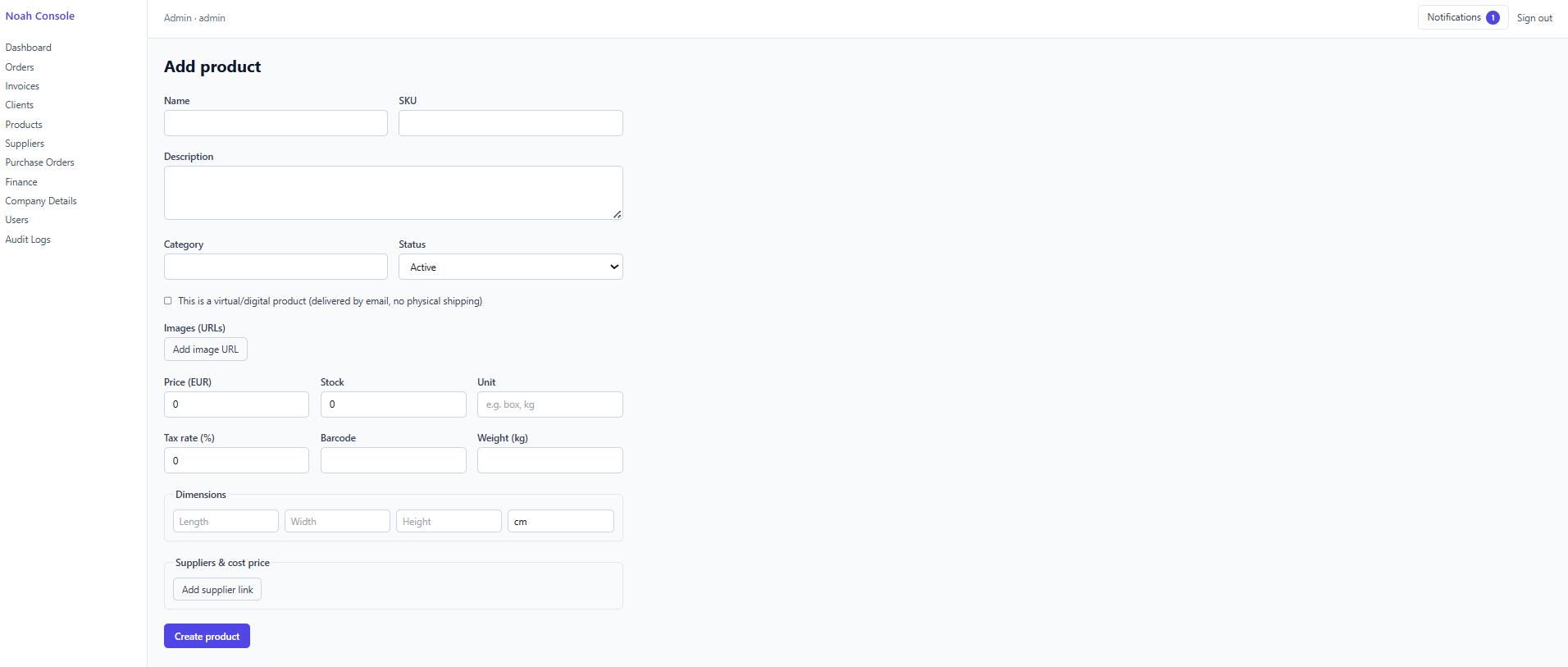
Audit Logs
Full traceability of every change
Every order update, invoice generation and edit is timestamped and attributed to the acting admin, with an expandable diff view for line-level accountability and compliance.
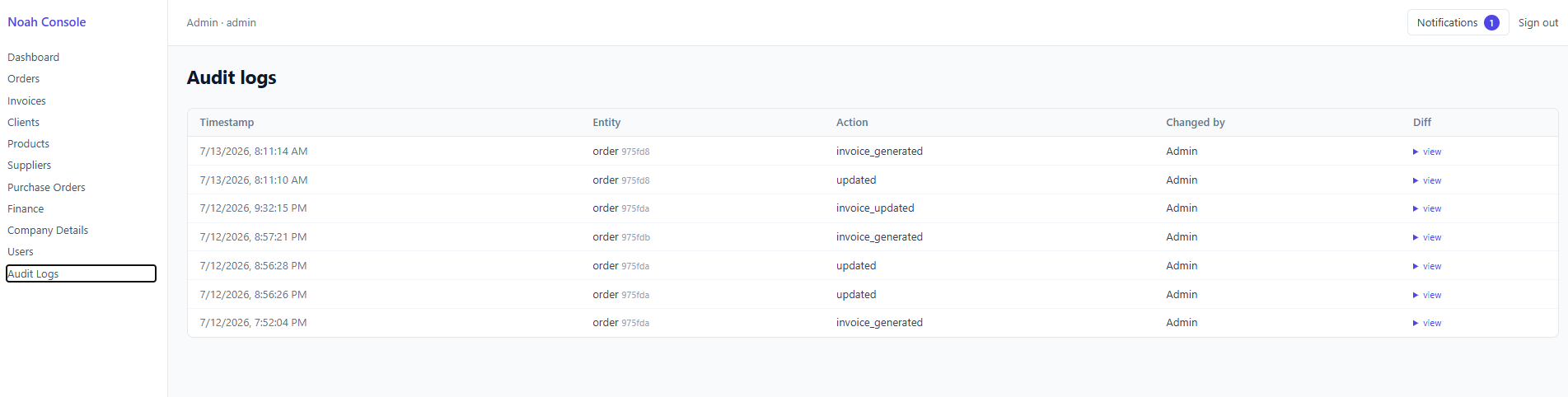
Company Details
Your brand, your invoices
Configurable text fields define what appears on the invoice 'From' block, plus custom invoice numbering with prefixes so every document stays on-brand and sequential.
Suppliers
Track vendor relationships
A consolidated supplier directory shows contact details and total spend per vendor, giving procurement teams instant visibility into where budget is going.

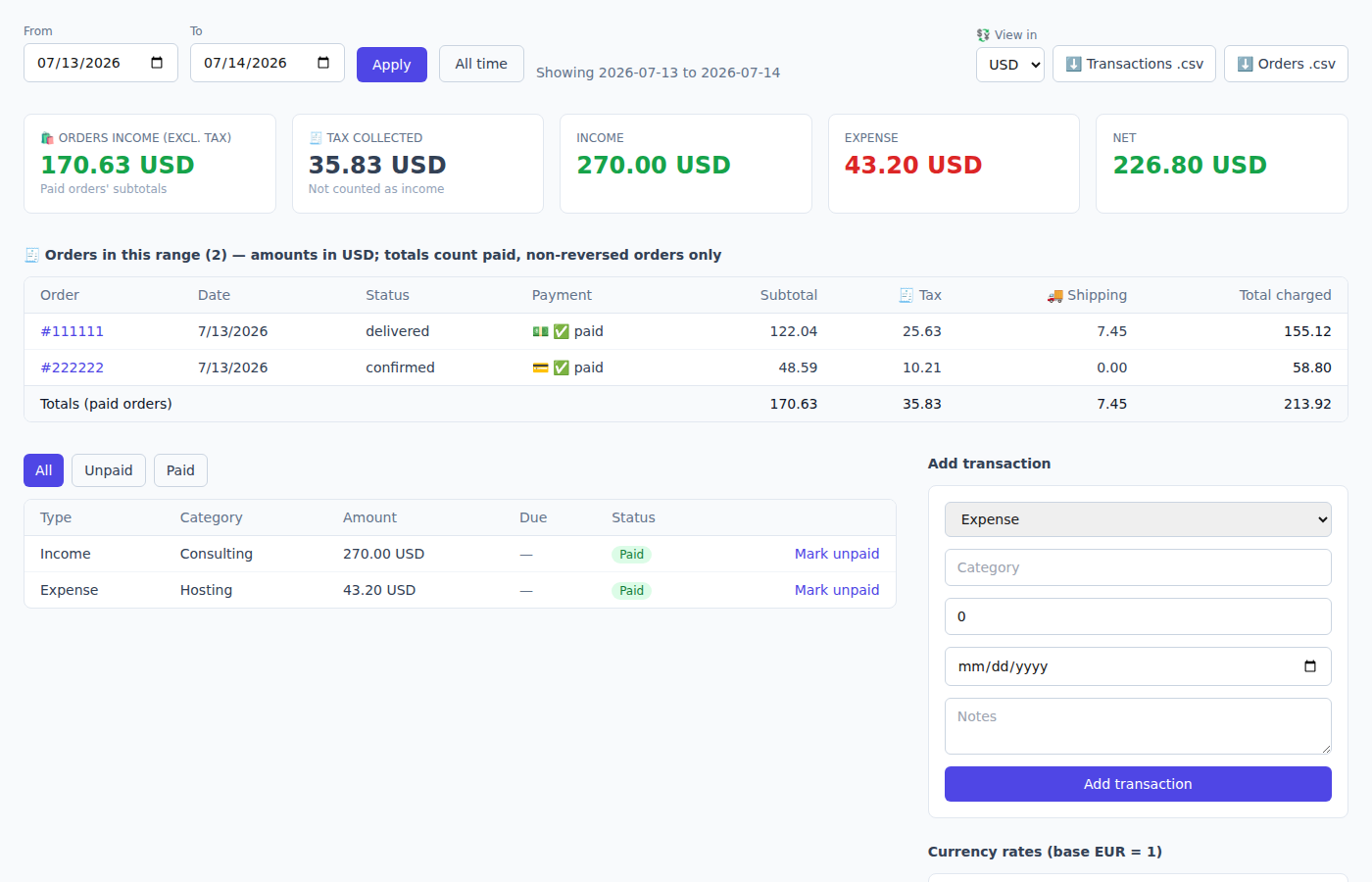
Finance Dashboard
Income, expense and net at a glance
Filter transactions by date range, view paid vs unpaid status, and log new income or expense entries. Built-in multi-currency rate table (USD, HUF, DZD) keeps international finances aligned.
Purchase Orders
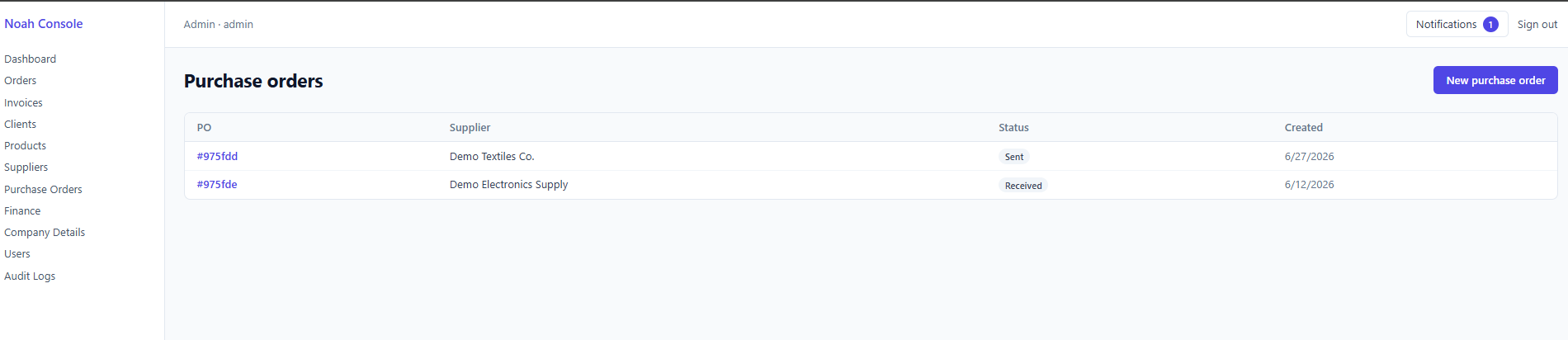
From sent to received
Purchase orders link directly to suppliers and track lifecycle status — Sent or Received — so restocking and procurement pipelines stay transparent.
Order Invoicing
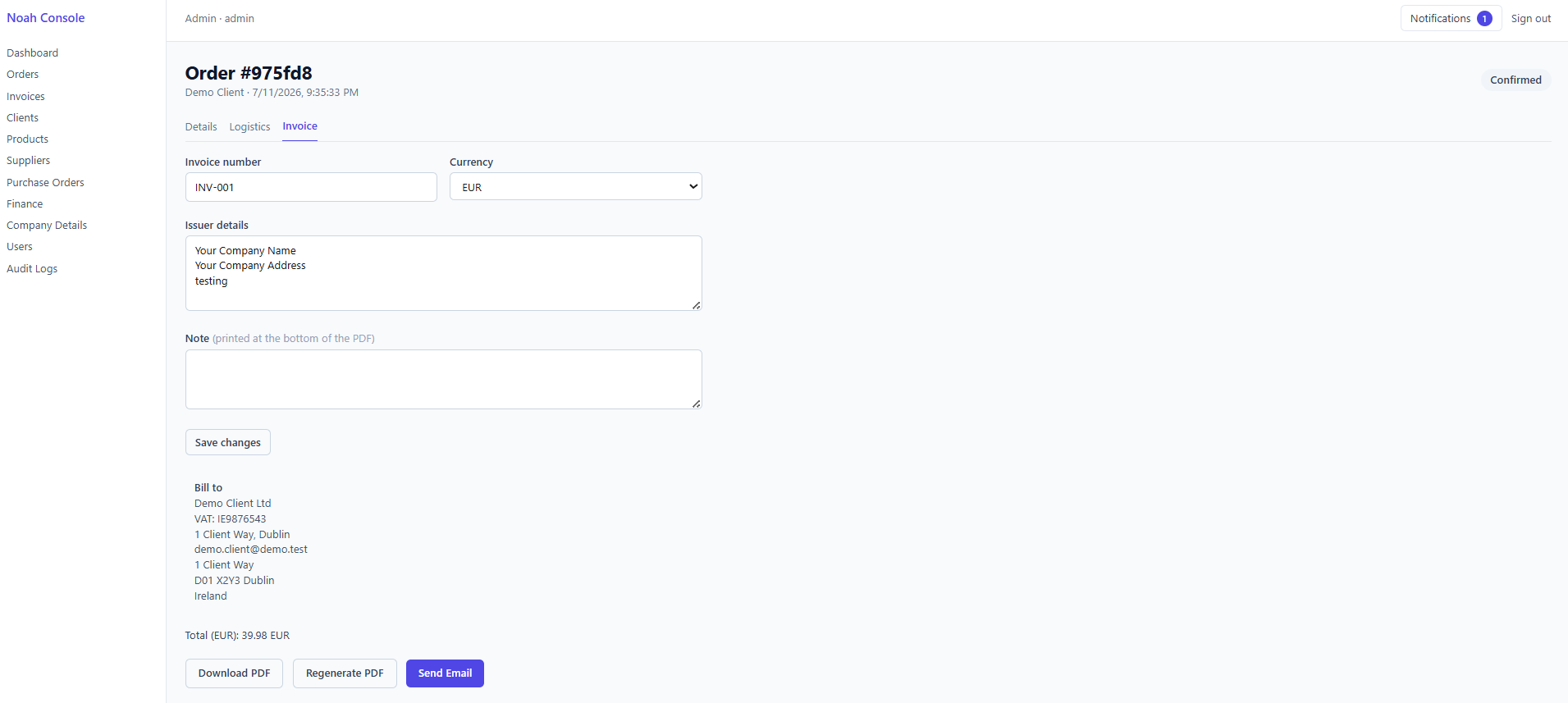
Generate, edit, and send
Each confirmed order carries its own editable invoice: issuer details, currency, notes, and auto-filled bill-to information. PDFs can be downloaded, regenerated or emailed directly to the client.
Customer Catalog
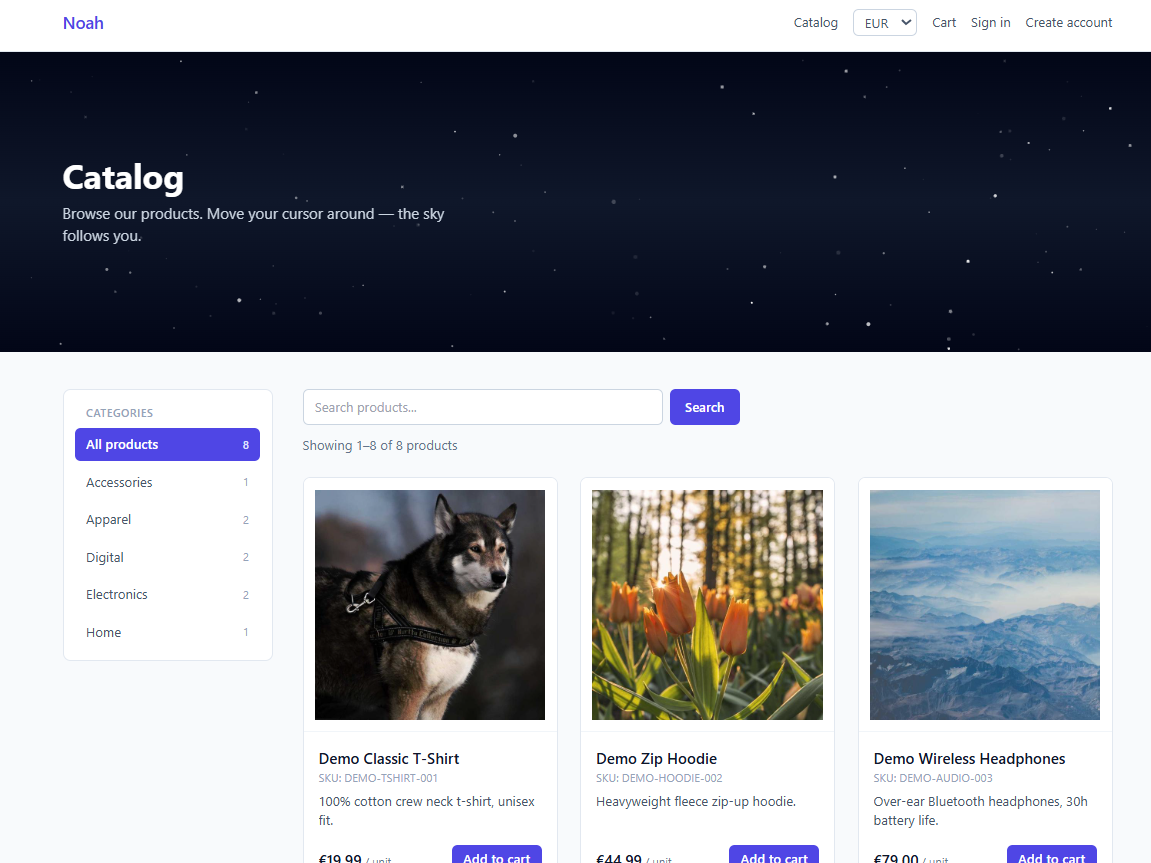
The storefront experience
A polished public-facing catalog lets customers browse by category, search products, switch currency, and add items to cart — all wrapped in an animated, interactive starfield hero.
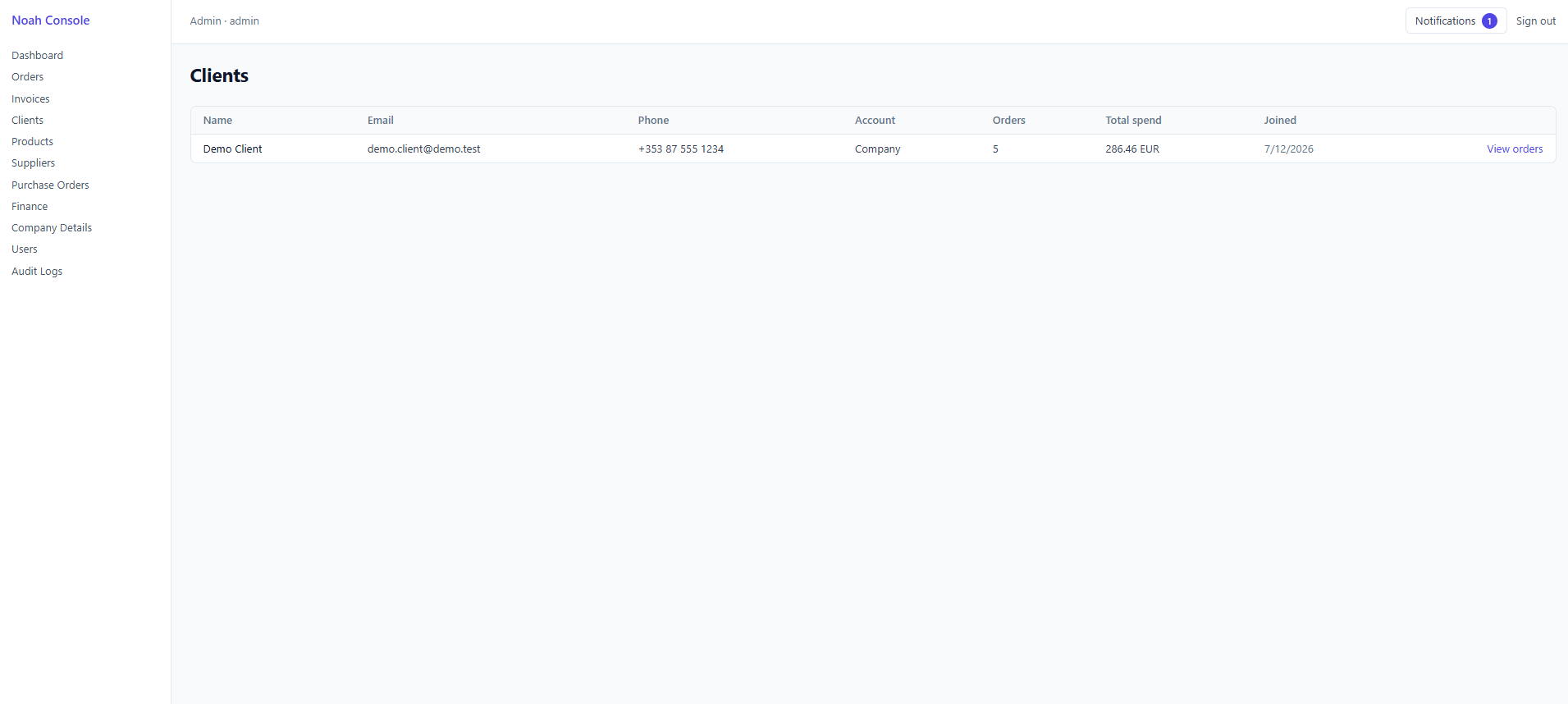
Clients
Know your customers
The client directory aggregates account type, order count, total spend and join date, with a direct link to view each customer's full order history.
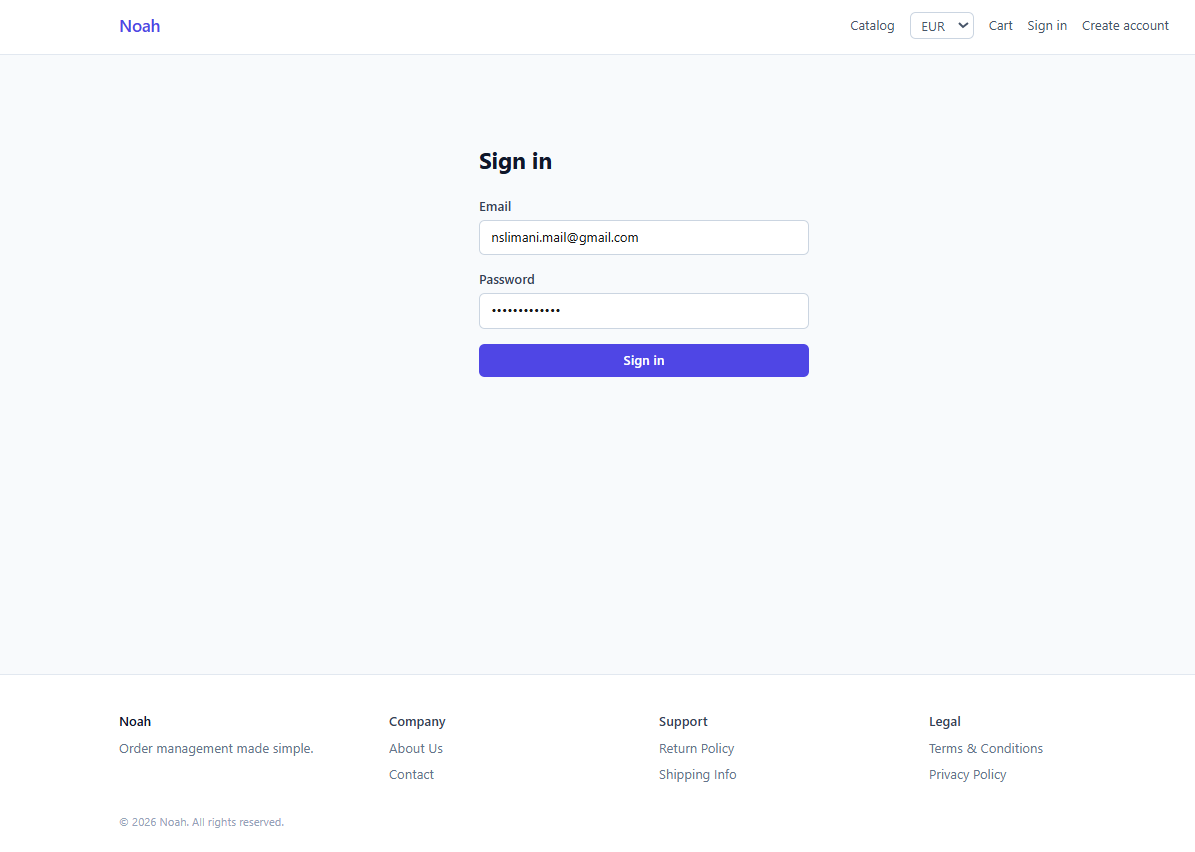
Customer Sign In
Secure storefront access
A clean, minimal authentication screen lets returning customers sign in to track orders and manage their account on the storefront.
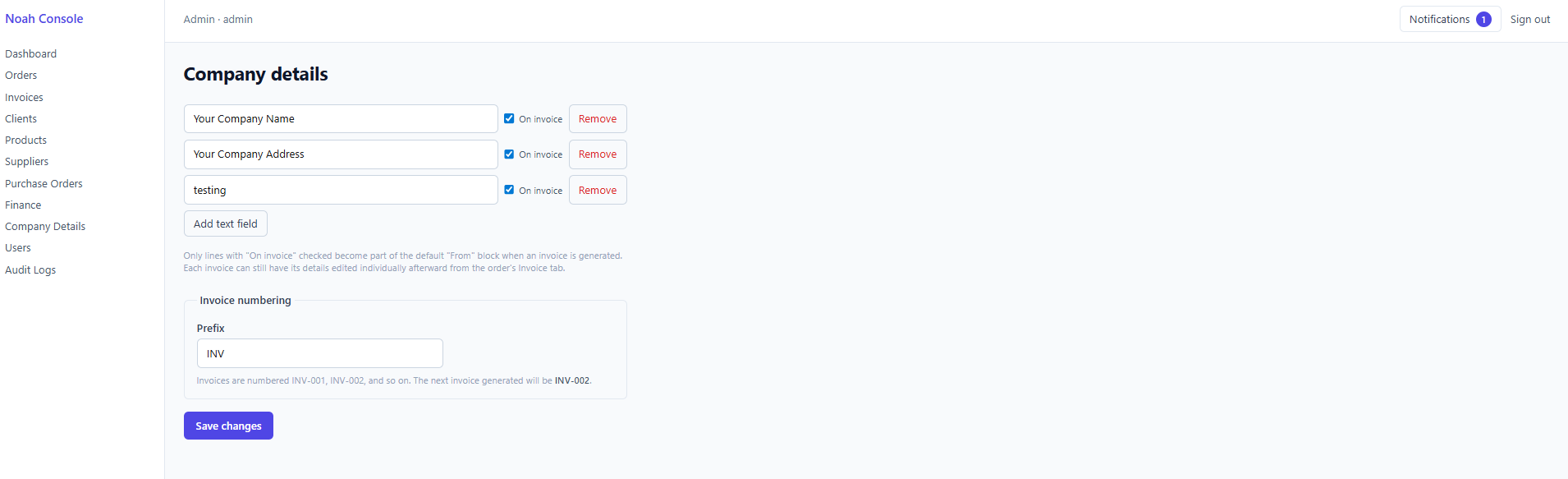
Orders
The operational core
Every order shows client, status (Confirmed, Shipped, Delivered), payment method and paid/unpaid state, and creation date — the single source of truth tying the whole platform together.